You land on a blog from a search result. The design looks clean and the articles read well, but is the site actually trustworthy?
That question comes up often with smaller content sites like WebToSociety.com, a blog covering AI, digital privacy, and technology. A professional look is easy to fake. Reliability is harder to fake, and you can test it in about five minutes.
This guide covers a five-step website verification process, using WebToSociety.com as a real example. You’ll learn which red flags matter, which ones don’t, and what to do if a site looks risky.
Short answer: check the domain, the security, the people behind the site, the content quality, and the outbound links. Then cross-check the results with a couple of scam checkers.
Why Checking a Website Before You Trust It Matters
A bad website doesn’t always steal your money. Sometimes the damage is quieter: you read misleading advice, hand your email to a spam network, or cite a source that turns out to be copied.
The risks usually fall into four groups:
- Security risks: malware, phishing pages, or fake login forms.
- Financial risks: fake shops, investment pitches, or paid services that never deliver.
- Information risks: thin, copied, or inaccurate content that looks authoritative.
- SEO and reputation risks: link-selling networks that can get your own site penalized if you buy links or guest posts from them.
You don’t need technical skills to spot most of these. The warning signs are visible if you know where to look.
What Is WebToSociety.com? A Quick Look Before You Verify
WebToSociety.com presents itself as a content site covering digital privacy, AI, and technology. Its articles lean toward general explainers about how the web shapes society and how to stay safe online.
We use it as a case study because it’s the kind of site people search for before trusting. It isn’t a shop, a bank, or a login page, so the question isn’t whether it will steal your card. The question is whether it’s a reliable source run by real people.
That is a different check from verifying an online store, and the five steps below cover both situations.
Step 1: Check the Domain Age and WHOIS Registration Data
Start with the domain itself. Age and registration details tell you a lot in under a minute.
How to look up a domain
Use a free WHOIS or domain lookup tool, such as the ICANN Lookup tool, and enter the domain. Note three things:
- Creation date: when the domain was first registered.
- Registrar: the company that sold the domain.
- Expiry date: how long it’s paid for.
You can also paste the address into the Wayback Machine (archive.org) to see how the site looked over the years.
What the results mean
An older domain with a steady history is a mild positive signal. A domain registered a few weeks ago that claims years of expertise deserves questions.
Don’t over-read hidden owner details. Many legitimate sites use privacy protection, and since GDPR a lot of owner data is redacted by default. Missing owner information alone is not a red flag. A brand-new domain combined with big promises is.
Step 2: Confirm HTTPS, SSL Certificate, and Browser Warnings
Next, look at the address bar. This takes about ten seconds.
- Check that the URL starts with https:// and shows the padlock icon.
- Watch for browser warnings such as “Not secure” or “Deceptive site ahead.”
- Click the padlock to see who issued the certificate.
A padlock only means your connection is encrypted. It does not mean the site is honest. Free certificates are easy to get, so scam sites use HTTPS too.
For a deeper check, paste the URL into Google’s Safe Browsing Transparency Report or VirusTotal. If either flags the site for malware or phishing, stop there.
Step 3: Review the About Page, Contact Details, and Authors
This step separates real publishers from anonymous content farms. Trustworthy sites are comfortable being found.
What a credible site usually shows
- A clear About page explaining who runs the site and why it exists.
- A real contact method, such as an email on the same domain or a contact form that works.
- Author names with bios, ideally linked to professional profiles.
- A privacy policy and terms page that aren’t copied word for word from elsewhere.
How to test an author
Pick one author name and search it in quotes. Then:
- Look for a LinkedIn profile, personal site, or other published work.
- Run the author photo through a reverse image search (Google Lens or TinEye) to see if it’s a stock image.
- Check whether the author’s claimed expertise matches what they write about.
One unverifiable author isn’t damning. A whole site of authors with no footprint anywhere else is a pattern worth noting.
Step 4: Judge Content Quality, Originality, and Sources
Now read a few articles the way an editor would. You only need enough to get a feel for the site. Ask yourself:
- Does the article say something specific, or is it generic filler that could apply to any topic?
- Are claims backed by named sources, studies, or links to original research?
- Are there dates, so you can tell if the information is current?
- Does the writing sound repetitive, vague, or oddly padded?
Quick originality test: copy a distinctive sentence from an article, put it in quotation marks, and search it. If the exact text appears on several other sites, the content is likely copied or mass-produced.
Strong sites usually show first-hand knowledge, such as screenshots, real examples, named experts, or clear methods. Weak ones repeat widely available information in slightly different words.
Step 5: Inspect Outbound Links for Spam or Link-Farm Signals
Most people skip this step, and it is often the most revealing. A site’s outbound links show who it is really connected to.
What to look for
Scroll through a few articles and hover over the links. Be cautious if you see:
- Links to casino, betting, adult, pills, or payday loan sites that have nothing to do with the article topic.
- Many links packed into one paragraph with unnatural anchor text.
- Links pointing to unrelated sites across completely different niches.
If you’re comfortable with it, right-click the page, choose View Page Source, and search for “href” or “rel=” to see the links and whether any are marked sponsored or nofollow.
Why it matters
Sites that exist mainly to sell links are often called private blog networks (PBNs) or link farms. Buying links or guest posts from them to boost rankings can violate Google’s spam policies and put your own site at risk. For readers, they’re also a sign that the content was written for links, not for people.
Use Scam Checkers and Reputation Tools to Cross-Check Results
Your own checks come first, but third-party tools add a useful second opinion. Try two or three of these:
- Scamadviser and Scam Detector for general trust scores.
- VirusTotal and Google Safe Browsing for malware and phishing flags.
- Trustpilot, Reddit, and Google search (“[site name] reviews” or “[site name] scam”) for real user experiences.
Keep two cautions in mind:
- Scores are automated guesses. Different tools often disagree, and a low score is a reason to investigate, not a verdict.
- Reviews can be fake or missing. A new or niche site may simply have no reviews yet. No complaints doesn’t prove safety.
The strongest conclusion comes from patterns that repeat across several tools and your own observations.
Example Check: What We Found on WebToSociety.com
This is how the signals looked for WebToSociety.com based on public third-party information at the time of writing (November 2026). Scores and findings can change, so run your own checks before relying on this.
Mixed or concerning signals:
- One automated security scan rated the site “Suspicious” with a trust score of 53 out of 100.
- That scan noted outbound links to gambling-related domains and said some author names could not be tied to verifiable identities.
- The same report flagged the content as generic and likely repurposed, and cautioned that guest-post or link-building offers connected to the site could point to a PBN-style scheme.
More reassuring signals:
- The same report found no scam reports or user complaints about the site.
- Other validators have given the site a medium trust rating.
- The site is a content blog, not a shop asking for payment details.
How to read this: the signals are mixed. Nothing suggests the site steals data or money, but the link patterns and author transparency raise fair questions about editorial quality. In practice, you can read it with caution, verify important claims elsewhere, and think twice before buying a guest post or link there.
This conclusion comes from stacking several small checks instead of trusting one score. That is the habit worth copying.
Red Flags That Suggest a Website Is Unsafe or Untrustworthy
One red flag may mean nothing. Several together mean you should stop. Watch for:
- A browser or Safe Browsing warning.
- Promises of guaranteed returns, “secret” trading systems, or too-good-to-be-true deals.
- No contact information, or only a web form that never replies.
- Fake or stock-photo authors and testimonials.
- Copied or auto-generated articles with no named sources.
- Pressure tactics such as countdown timers and “only 2 left.”
- Requests for unusual payment methods like gift cards or crypto transfers.
- Many unrelated outbound links, especially to gambling or adult sites.
Green Flags That Show a Site Is Credible and Reliable
Good signs matter just as much. A credible site typically has:
- A real, searchable team with consistent identities across the web.
- A clear editorial focus and bylines on articles.
- Original reporting, data, screenshots, or first-hand experience.
- Cited sources with working links to reputable references.
- A visible correction or update policy.
- A long, steady history in web archives.
- Mentions and links from other trusted sites in its field.
The more green flags you can confirm, the less any single weak signal matters.
What to Do If a Website Looks Suspicious or Risky
If your checks leave you uneasy, act early:
- Leave the site and don’t download files or click pop-ups.
- Never enter passwords, card details, or personal information.
- If you already did, change the password (and any reused ones) and contact your bank if you shared payment details.
- Run a malware scan on your device if you downloaded anything.
- Report it through Google’s Safe Browsing report form, and to your country’s consumer protection or cybercrime authority if money was involved.
- Warn others with an honest, factual review that sticks to what you observed.
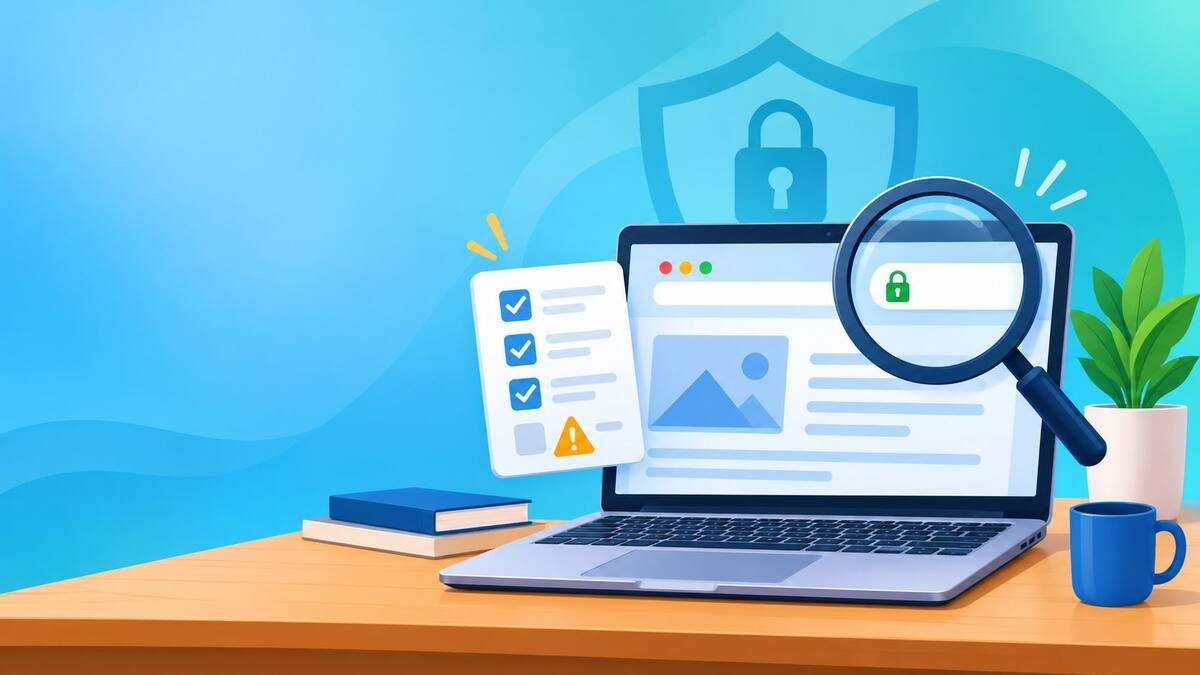
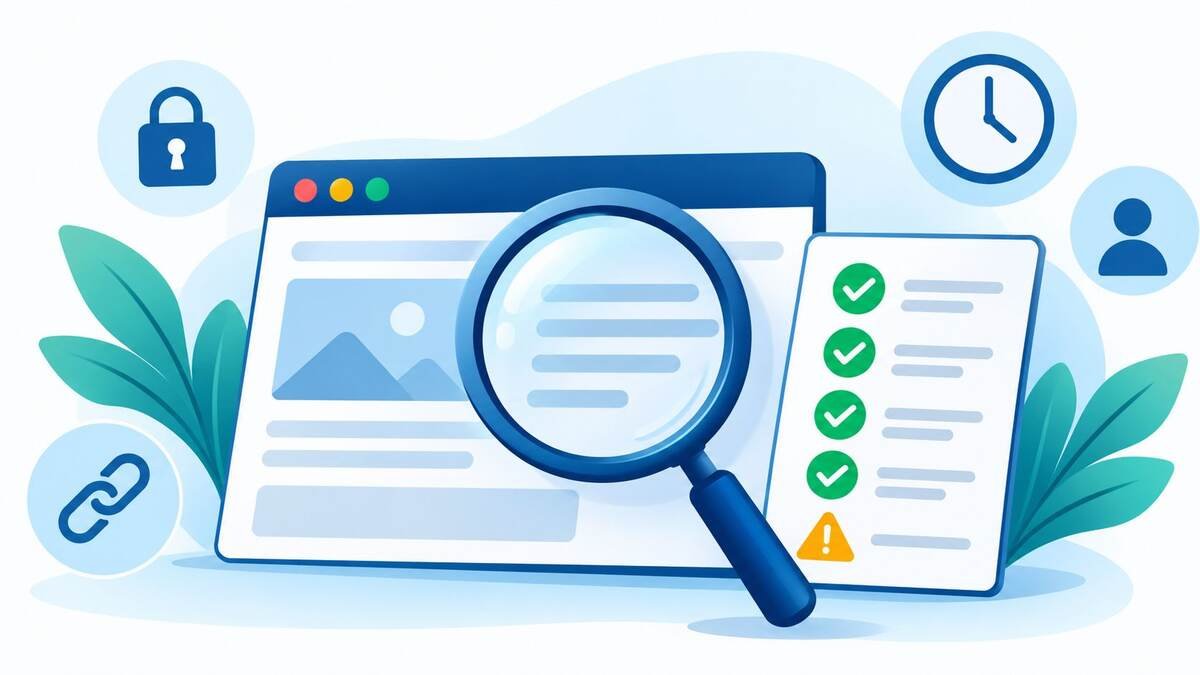
Quick Verification Checklist You Can Save and Reuse
Bookmark this list for next time. The full run takes about five minutes.
- Domain (1 minute): age and registrar checked.
- Security (1 minute): HTTPS present, no browser or Safe Browsing warnings.
- People (1 minute): About page, contact details, and at least one author verified.
- Content (1 minute): original, sourced, and dated, with a pasted-sentence test.
- Links (30 seconds): outbound links relevant and free of spam patterns.
- Cross-check (30 seconds): two or three scam checkers or review sources compared.
Rule of thumb: if three or more categories look weak, don’t trust the site with money, personal data, or your reputation.
FAQs
How do I check if a website is legit?
Check the domain age, confirm HTTPS, look for real contact details and verifiable authors, read the content critically, inspect outbound links, and cross-check with a couple of scam-checking tools.
Can a website with HTTPS still be unsafe?
Yes. HTTPS only encrypts the connection between you and the site. Scam and spam sites can get free certificates too, so the padlock alone proves nothing about honesty.
Is WebToSociety.com legit?
Public signals are mixed. At the time of writing, one security scan rated it “Suspicious” because of gambling-related outbound links and unverifiable authors, while the same report found no scam complaints. Use the checks in this guide and decide for yourself.
How do I find out who owns a website?
Use a WHOIS lookup, but expect redacted details on many sites. The About page, legal pages, social profiles, and business registration records often reveal more than WHOIS.
What does a low trust score mean?
Automated tools spotted risk signals, such as a new domain, odd links, or missing business details. It’s a reason to investigate further, not proof of a scam.
What is a PBN, and why should I avoid it?
A private blog network is a group of sites built mainly to sell or pass along links. Buying links from them can violate Google’s spam policies and hurt your own search rankings.
Final Takeaway
A clean design and confident writing can make any site look reliable, which is why a quick check is worth five minutes. The WebToSociety.com example shows that real results are rarely black and white. Some signals look fine, others deserve a second look, and the right response is to weigh them together.
Run the five steps, cross-check with outside tools, and trust the pattern instead of a single score. Do that every time, and you’ll spot unreliable sites before they cost you money, data, or credibility.
You may also read: glaadvoice com vs GLAAD.org: Key Differences Explained