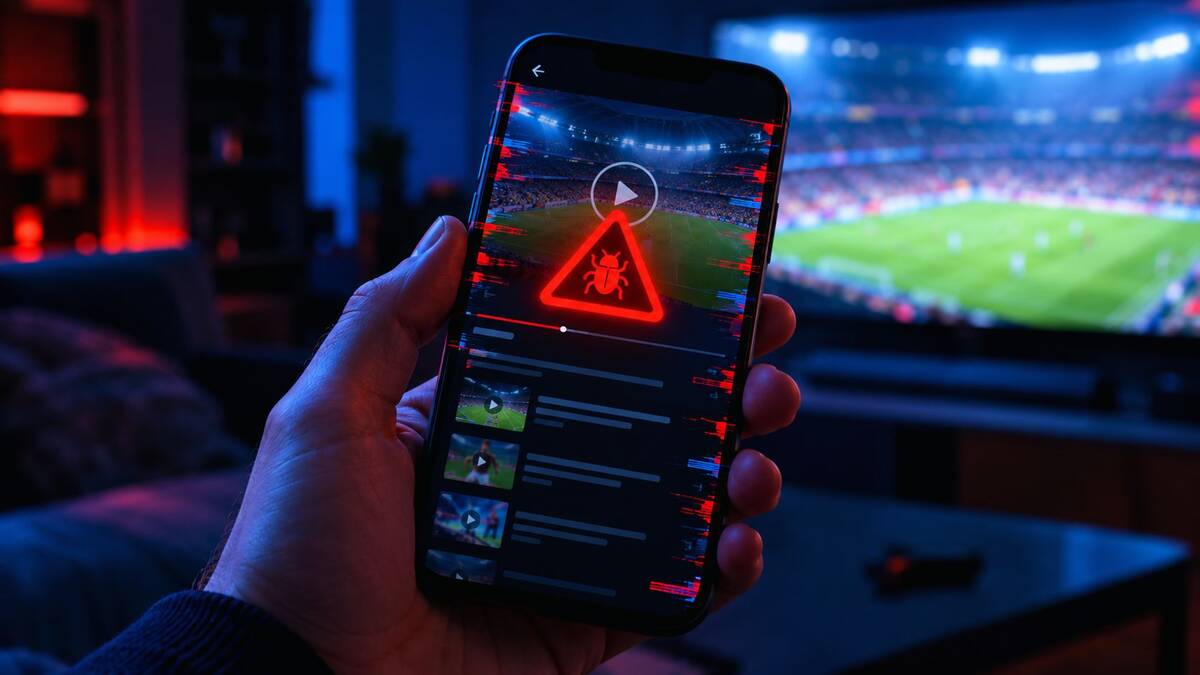
Searching for the Stream East app before a big game is easy to do. The top results promise a free download, and some show polished icons and thousands of five-star reviews. Many of those downloads are fake, built to steal data rather than stream a match.
This guide explains whether an official app exists, how malware clones disguise themselves, which warning signs to check, and what to do if you’ve already installed something suspicious.
Is There an Official Stream East App? What to Know First
No verified, official Stream East app exists on the Apple App Store or Google Play. Stream East was a website-based sports streaming network that operated without broadcast licenses, and it never had a legitimate, company-backed app.
Treat anything claiming to be the “official Stream East app” as suspicious, including:
- APK files hosted on random websites
- Apps listed under unfamiliar developer names
- Links shared in social media comments, Telegram groups, or Reddit threads
- “Premium” or “Pro” versions that ask for payment
If you can’t trace an app to a real, accountable company, you can’t know what it does once it’s on your phone.
Why Fake Streaming Apps Keep Appearing After Site Takedowns
Unlicensed streaming sites are regularly targeted by anti-piracy groups and law enforcement. In September 2025, the Alliance for Creativity and Entertainment (ACE) and Egyptian authorities shut down the Streameast network, which ACE called the largest illegal live sports streaming operation in the world. The situation changes quickly, so check the current status before relying on this.
Each takedown follows the same pattern:
- Millions of people suddenly can’t find their usual stream.
- Search traffic for the name spikes.
- Scammers publish lookalike sites and apps to catch that traffic.
Scammers don’t need a working streaming service. They only need a convincing name and logo. Fans rushing to catch a live game tend to install without checking, and that’s what these operators count on.
How Malware Clones Disguise Themselves as Sports Streaming Apps
Clone makers copy whatever looks familiar: logos, exact names, and descriptions that sound legitimate. Common tricks include:
- Lookalike names. Small changes like “StreamEast Live HD” or “StreamEast Pro” make an app look like a newer version.
- Fake reviews. Bot-written praise such as “Works great, no ads!” inflates the rating.
- Mirror websites. Pages that copy the original site but link to an infected download.
- Bundled installers. The app you wanted is packaged with hidden software that runs in the background.
- Fake update prompts. A site claims your player is outdated and pushes a “required” download.
Many of these apps do open and show a menu or loading screen. That’s part of the trick: it looks like it works while something else runs quietly behind it.
7 Warning Signs of a Fake Stream East App or APK File
One red flag is a reason to pause. Two or more means walk away.
- It’s not on Google Play or the App Store. If the only way to get it is a direct APK download, that’s a major warning.
- The site asks you to disable security settings. No safe app needs you to turn off Play Protect or allow “unknown sources” for a game.
- The developer is unknown or hidden. No website, contact details, or company history.
- The file size looks off. A tiny file or an oddly huge one can signal a repackaged or bundled installer.
- It demands payment through unusual methods. Gift cards, crypto transfers, or direct bank details are common in scams.
- The page is full of pop-ups and countdown timers. “Download now, only 3 spots left!” is a pressure tactic.
- The reviews feel fake. Watch for repeated phrases, generic praise, and a burst of reviews posted on the same day.
Red Flags in App Permissions, Reviews, and Developer Details
Even a polished app often gives itself away in the details.
Check the permissions
A streaming app needs internet access and rarely much more. Be suspicious if it asks for:
- Access to your contacts or call logs
- Permission to read or send SMS messages
- Control over device administrator settings
- The ability to display over other apps
- Access to photos, files, or the microphone without a clear reason
Excessive permissions are one of the most common signs of spyware and banking trojans.
Read the reviews carefully
Skip the five-star praise and read the one- and two-star reviews. Real users often report unwanted ads, battery drain, or strange activity right after installing.
Look into the developer
Search the developer’s name separately. A legitimate company has a real website, a support page, and a track record. A developer with no history, or one that publishes dozens of near-identical apps, is a red flag.
How to Check an App Before Downloading It on Android or iPhone
A few minutes of checking can save you a lot of trouble.
On Android
- Use Google Play only and avoid sideloading APKs from websites.
- Keep Google Play Protect turned on.
- Check the download count, developer page, and “Data safety” section.
- Don’t enable “install unknown apps” for your browser or messaging apps.
On iPhone
- Install from the App Store only. iOS doesn’t normally allow apps from outside it, so a site offering an “APK-style” file or asking you to install a profile or certificate is a serious red flag.
- Never trust prompts to “trust” an enterprise developer profile for a streaming app.
On both
- Compare the app name and developer with the company’s official website.
- Search the app name plus words like “scam,” “malware,” or “fake.”
- Don’t use download links from social media comments or messaging groups.
Safe Tools to Scan Suspicious APK Files and Links
If you still want to inspect a file or link, check it before opening it:
- VirusTotal scans files and URLs against dozens of security engines. A clean result isn’t a guarantee, but multiple detections are a clear warning.
- Google Play Protect scans apps already on your Android device.
- Mobile security apps such as Malwarebytes or Bitdefender can run a full scan.
- URL checkers such as Google Safe Browsing’s transparency report can flag dangerous sites.
New malware can slip past scanners for days, so a clean scan doesn’t make an app safe, especially if other warning signs are present.
Risks of Installing a Malware Clone: Data Theft and Hijacking
The damage can go well beyond a broken app. Depending on the malware, an infected phone can suffer from:
- Credential theft. Stolen logins for email, social media, and shopping accounts.
- Banking fraud. Some trojans overlay fake login screens on real banking apps.
- Hidden ad fraud. Your phone clicks ads in the background, draining battery and data.
- Device hijacking. Spyware that records your screen, keystrokes, or messages.
- Your files or device are locked until you pay.
- Subscription scams. Premium SMS charges or fake subscriptions on your bill.
A “free” app can end up costing far more than a monthly streaming subscription.
What to Do If You Already Installed a Fake Streaming App
Act quickly and work through these steps:
- Disconnect from the internet. Turn on airplane mode to stop data being sent.
- Uninstall the app. On Android, go to Settings, then Apps, and remove it. If it won’t uninstall, boot into Safe Mode and try again, or revoke its device administrator access first.
- Run a full security scan. Use Google Play Protect or a trusted mobile security app.
- Change your passwords from a different, clean device. Start with email, banking, and social accounts.
- Turn on two-factor authentication wherever possible.
- Check bank and card statements for charges you don’t recognize.
- Factory reset if problems continue. If the scan finds nothing but the phone still behaves strangely, a reset is the safest option. Back up only photos and files, not apps.
If you entered card details or banking passwords, contact your bank right away.
Is Using Unofficial Sports Streams Legal? Key Risks Explained
Unlicensed streams carry real legal and practical risks. Operating or distributing pirated streams is illegal in most countries, which is why sites like Stream East get targeted. Rules for individual viewers vary. In some places watching is treated more leniently than distributing, and in others it can still violate copyright law or trigger warnings from internet providers. This isn’t legal advice, so check the rules where you live.
Even where the legal risk to viewers is low, the practical risks remain:
- Streams that cut out mid-game
- Aggressive and sometimes malicious ads
- Fake apps and phishing pages
- No accountability when something goes wrong
Safer Ways to Watch Live Sports Without Risking Your Device
Rights deals vary by country, so check which service holds the rights to the competition you want. Common options include:
- Official league services, such as NFL+, NBA League Pass, or the UFC’s streaming partner in your country
- Broadcaster apps like ESPN, Peacock, Paramount+, DAZN, or Fox’s streaming service, depending on your region
- Live TV bundles like YouTube TV, Fubo, or Sling
- Over-the-air TV with a basic antenna, which is free for many local games in some countries
- Free trials and ad-supported tiers. Cancel before billing starts if you don’t want to continue.
- Team and league YouTube channels, which often stream highlights and some full matches legally
FAQs
Is the Stream East app real?
There’s no verified official app from the original service. Apps using the name are unofficial, and many are fake or unsafe.
Is the Stream East app safe to download?
It’s not recommended. Unofficial APKs and mirror sites are common ways to spread malware, spyware, and adware.
Can a fake streaming app steal my data?
Yes. Depending on the malware, it can capture passwords, read messages, track activity, and sometimes intercept banking logins.
How do I know if an app is fake?
Look for a missing store listing, an unknown developer, excessive permissions, fake reviews, and requests to turn off security settings.
Is Stream East down?
Access to unlicensed streaming sites changes often because of takedowns and domain blocks. Be careful with any site that suddenly claims to be the “new” version.
What should I do if I installed a fake app?
Go offline, uninstall it, run a security scan, change your passwords from another device, and watch your financial accounts for suspicious activity.
What’s the safest way to watch live sports?
Use licensed services available in your country, such as league apps, official broadcasters, or live TV platforms.
Conclusion
Searching for the Stream East app is one of the easiest ways to end up with a fake app or malware on your phone. Clone makers rely on urgency and familiarity, and they know fans will take shortcuts when a big game is on.
The best protection is simple. Stick to official app stores, question any download that asks you to lower your security settings, and be skeptical of anything that looks too good to be true. If you’ve already installed something suspicious, remove it quickly and secure your accounts. A legitimate service, even a free trial, costs far less than a compromised phone.