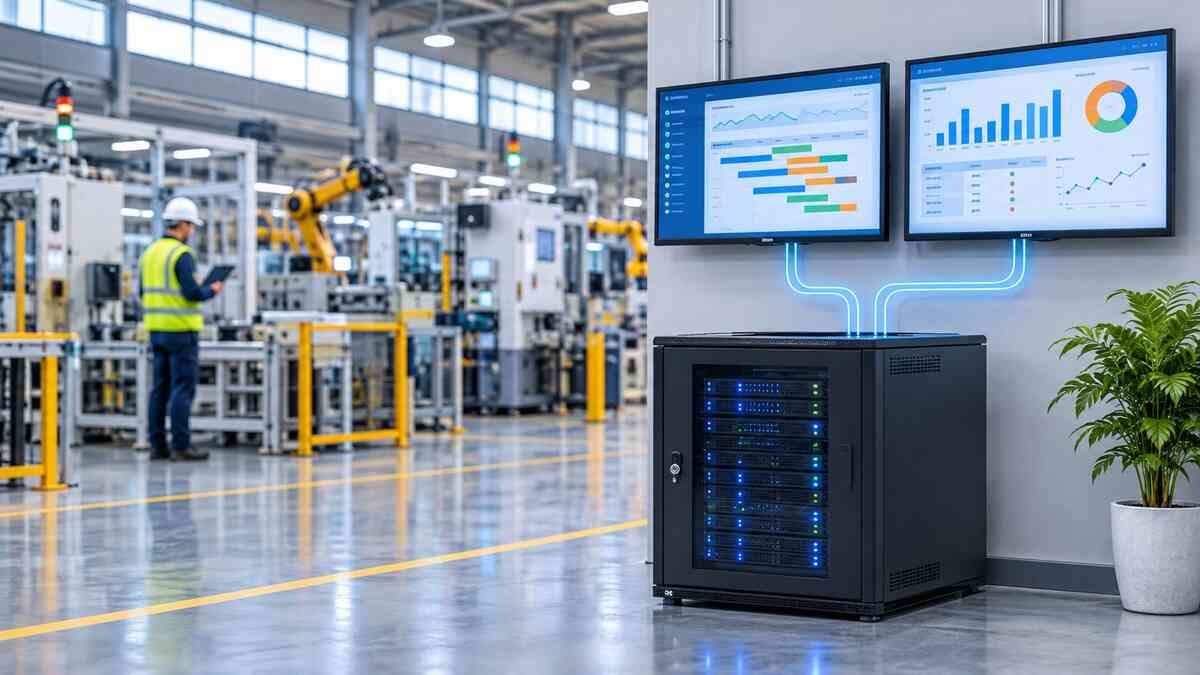
Plant data is valuable and downtime is expensive, so many manufacturers hesitate to send either to a public cloud. AI system Zanus is built around that concern: it runs on a server inside your own network.
This guide explains what the platform is, how it works inside a plant, how it connects to MES and ERP systems, what to prepare before deployment, and which trade-offs to weigh. Zanus is a relatively new, niche product with limited independent documentation, so this article draws on the vendor’s published descriptions, trade coverage, and standard industrial AI practice. Where details depend on your plant, or only the vendor can confirm them, we say so.
What Is AI System Zanus and Who Is It For?
According to Zanus’s published material, it is a private, on-premises AI operating system delivered as a physical server that runs entirely inside your local network. Trade press calls it a ready-to-use “sovereign AI” system, shipped preconfigured with integrated hardware and software rather than as a cloud subscription you assemble yourself.
“Sovereign AI” simply means you own the system, it runs on your premises, and your data stays under your control.
Who it is aimed at
The vendor targets plants where data control and uptime matter most, and where one unplanned stoppage costs more than the platform itself. In practice, that points to:
- Manufacturers with sensitive designs, formulas, or customer data
- Plants in regulated or security-conscious industries
- Sites with unreliable internet or strict network isolation
- Operations where downtime is very costly
If you run a small shop and ordinary cloud tools meet your needs, an on-premises server is probably more than you need.
How On-Premises AI Works Inside a Plant Network
On-premises AI means the models and data processing run on hardware inside your building, not in a data center someone else operates. Zanus states that its core AI functions don’t depend on the internet and that plant data never leaves the building.
It works like owning a generator instead of relying on the grid. You carry the cost and upkeep, but you keep running when the outside world doesn’t. In day-to-day terms:
- The system keeps working if your internet connection drops.
- Production data stays on your network instead of passing through a third party.
- Your IT team controls who can access the system and what it can see.
What Zanus AI Does on the Plant Floor
Zanus describes a platform of 15+ modules across four operational areas, all running locally. Its scheduling modules are designed to take over coordination work that now falls on plant managers and shift supervisors. Ask the vendor for the current module list and confirm which modules ship with your configuration.
Example: scheduling support
A rush order lands mid-shift. Today, a supervisor reshuffles the plan with a whiteboard, a spreadsheet, and a few phone calls. An AI scheduling module can read open orders and machine availability, propose a revised sequence, and show the trade-offs. A person then approves the change.
That approval step matters. In manufacturing, AI works best as a fast planner that recommends, while people stay accountable for decisions that affect safety, quality, and customers.
How Zanus Connects to MES and ERP Systems
Zanus says the platform connects to your existing MES and ERP. Both matter:
- ERP (enterprise resource planning) holds the business side: customer orders, inventory, purchasing, and finance.
- MES (manufacturing execution system) tracks the shop floor: work orders in progress, machine status, and production counts.
An AI system that plans or advises needs both views. The ERP shows what should be made, and the MES shows what is actually happening. The ISA-95 series, an international standard also published as IEC 62264, describes how ERP and MES systems should share information. Ask the vendor whether Zanus’s connectors follow it.
Questions to ask about integration
Integration is where many industrial AI projects succeed or stall, so get specifics early:
- Is the connection read-only, or can the system write back to your MES or ERP?
- Are there ready-made connectors for your exact systems and versions?
- What custom work is needed, and who pays for it?
- Is data refreshed in real time or in batches?
A separate review of Zanus in aviation notes that connecting to specialized operational systems typically requires custom work. That is a different industry, but it is a useful reminder not to assume plug-and-play, even when a vendor promises minimal integration.
What You Need Before Deployment
Because Zanus ships as a physical server, deployment starts with practical readiness, not just software installation.
Hardware and space
- A secure location, such as a server room or locked cabinet
- Reliable power and adequate cooling
- Network ports and a backup plan
Data
- Clean, consistent records in your ERP and MES (item masters, routings, work orders)
- Agreement on which data the AI may read
- A way to catch and fix obvious errors, since AI can amplify messy data instead of fixing it
Network and security
- Clear separation between office IT and plant-floor networks
- Defined user roles and access rules
- A patching and monitoring plan, since on-premises means you own security
People
- A named internal owner for the project
- Support from IT, plant operations, and whoever administers your ERP and MES
MES and ERP Integration: Typical Setup Steps
Zanus’s exact rollout process may differ, so confirm it with the vendor. Most on-premises industrial AI projects follow these stages:
- Pick one use case and set a baseline. Choose something measurable, such as scheduling time or changeover delays, and record how it performs today.
- Map your systems and data. List which ERP and MES data the system needs and who owns it.
- Install and secure the hardware. Place the server, connect it to the network, and lock down access.
- Connect in read-only mode. Let the system see your data before it influences anything.
- Run in shadow mode. Compare its recommendations with what your team actually decides, without acting on them.
- Go live with human approval. Let people review and approve outputs that affect cost, quality, or safety.
- Measure and expand. Compare results with your baseline, then add the next use case.
Skipping the baseline is a common mistake, because without it you can’t prove the system paid off.
Data Security and Uptime Benefits of Local AI
Two concerns drive most interest in local AI: who can see your data, and what happens when something goes down.
Security. Drawings, process parameters, and customer specs are intellectual property. Customer contracts and standards such as ISO or ITAR often limit where that data can go, and keeping it on your own network simplifies those conversations.
Uptime. A cloud outage or a dropped internet link can stall AI features your team relies on. A local system keeps working through those events.
One caution: on-premises does not automatically mean secure. You become responsible for patching, physical access, user permissions, and backups. Local AI shifts security work to your team instead of removing it.
On-Premises vs Cloud AI for Manufacturers
| Factor | On-premises (e.g., Zanus) | Cloud AI |
| Data location | Stays inside your building | Sent to a provider’s servers |
| Internet dependence | Core functions run without it, per the vendor | Needs a stable connection |
| Upfront cost | Higher (hardware and setup) | Lower (usually a subscription) |
| Scaling | Limited by your hardware | Easy to scale up |
| Maintenance | Your team, or a support contract | Handled by the provider |
| Updates | Applied on your schedule | Rolled out automatically |
Neither option is better in every case. Cloud AI is often faster to start and easier to grow, while on-premises AI trades convenience for control.
Limitations and Trade-Offs to Consider
Zanus’s own manufacturing material acknowledges that every platform has trade-offs. These apply here:
- Upfront investment. You are buying hardware, not just a license.
- You own the upkeep. Maintenance, security, and backups sit with your team.
- Capacity limits. A fixed server has a ceiling that cloud services don’t.
- Integration effort. Expect some custom work, depending on your MES and ERP.
- Limited independent proof. Another review describes Zanus as an emerging, niche option in a crowded market. Ask for references from plants like yours and a trial before you sign.
Is AI System Zanus Right for Your Plant?
Use these points to decide whether it belongs on your shortlist.
It may be a good fit if:
- Data control or network isolation is a firm requirement
- Downtime costs you more than the platform would
- You have IT capacity to run an on-premises system
- You have a clear, measurable first use case
Think twice if:
- Your data is already comfortably in the cloud
- You have no IT resources to maintain a server
- You want to experiment cheaply before committing
Ask the vendor:
- Which modules are included, and which cost extra?
- Which MES and ERP versions are supported out of the box?
- What do support, updates, and maintenance look like after installation?
- Can we run a pilot, and what would success look like?
- Can you connect us with a manufacturer already using it?
FAQs
What is AI system Zanus?
It is a private, on-premises AI platform that, according to the vendor, ships as a physical server and runs entirely inside your local network.
Does Zanus AI need an internet connection?
The vendor says its core AI functions don’t depend on the internet. Confirm which optional features, such as updates, may still need connectivity.
Does it connect to MES and ERP systems?
Yes, according to the vendor. Ask which systems and versions are supported and whether custom integration work is needed.
How much does it cost?
We could not confirm official manufacturing pricing. One third-party listing showed $19,900 for the insurance edition, but your price will depend on modules, hardware, and support. Request a written quote.
How long does setup take?
The vendor has not published a standard timeline we could verify. It depends on your data quality, network, and how much integration work you need.
Can AI replace plant managers or supervisors?
No. Zanus’s scheduling modules aim to reduce coordination work, but people remain responsible for decisions involving safety, quality, and customers.
Is Zanus AI the same as Zanus robotics?
No. Zanus Technology also makes robotic camera dollies and pan-tilt heads for film and TV. It is a different product line.
Conclusion
AI system Zanus is built for plants that want AI inside their own walls, on their own network, without risking their data or uptime. According to the vendor, it connects to your MES and ERP, covers scheduling and other operational areas through 15+ modules, and works without a cloud dependency.
Those strengths are real for the right buyer, and so are the trade-offs: upfront cost, ongoing upkeep, integration effort, and limited independent proof so far.
The practical next step is to start small. Pick one measurable use case, record your baseline, ask the vendor for a pilot and a reference customer, and let the results make the decision.