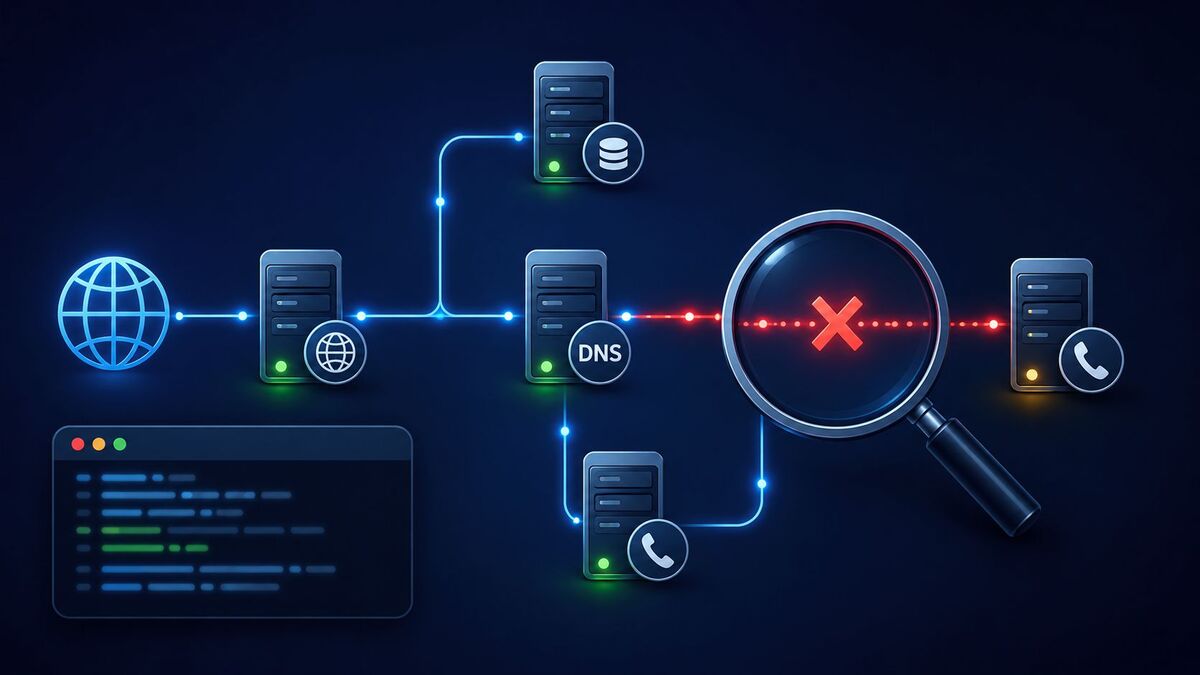
If calls are dropping, agents are sitting in silence, or routing reports look wrong for no clear reason, the issue often isn’t your Cisco Unified Customer Voice Portal (CVP) configuration at all. It’s DNS. A CVP DNS bind error can quietly disrupt call routing, SIP proxy failover, and VXML server communication, and because DNS problems don’t always throw a clear error message, they can be hard to pin down.
This guide covers what causes CVP DNS bind errors, how to confirm DNS is really the issue, and the fixes that resolve most of these cases without a full redeployment.
What Causes CVP DNS Bind Errors in Contact Center Deployments
A CVP DNS bind error usually means the Call Server, SIP Proxy, or VXML Server can’t resolve a hostname it needs to complete a call. CVP relies heavily on DNS to locate SIP proxies, media servers, and ICM components, so even a small misconfiguration can affect the entire call path.
Common causes include:
- Incorrect or missing DNS zone entries for CVP components
- Stale DNS cache on the Call Server after a configuration change
- Mismatched hostname and IP mappings after a server migration
- DNS server outages or timeouts that CVP doesn’t fail over from cleanly
- Typos in the FQDN used in SIP service or Operations Console settings
Since CVP expects fast, reliable name resolution, even a brief DNS interruption can cause call setup failures that look like a CVP issue but actually start at the network layer.
How DNS Resolution Failures Affect Cisco CVP Call Routing
DNS resolution failures rarely fail cleanly. Instead, you’ll usually see symptoms that seem unrelated to DNS at first:
- Calls that ring but never connect to a VXML application
- SIP INVITE messages that time out instead of returning a clear rejection
- Intermittent failures that appear mainly under load
- Call Server logs showing “unable to resolve host” buried among unrelated warnings
CVP’s SIP service, Call Server, and Operations Console all depend on consistent name resolution to route calls between components. If one server resolves a hostname correctly while another doesn’t, calls succeed for some agents and fail for others, which is a pattern that’s easy to misdiagnose if DNS isn’t checked early.
Misconfigured Zone Files and SRV Records: A Common Culprit
If you’re running CVP with a BIND-based DNS server, most bind errors trace back to the zone file. Cisco’s own configuration guides specifically cover DNS zone file setup for CVP call flow models like the Call Director model, and small details here are easy to get wrong.
Common zone file and SRV record mistakes:
- Priority and weight values reversed on SRV records, sending traffic to the wrong proxy first
- Missing SRV records for SIP proxy redundancy, leaving a single point of failure
- Incorrect service or protocol prefixes, such as malformed
_sip._udpentries - A records that don’t match the SRV target hostname, breaking the resolution chain
A properly configured SRV record should make failover predictable. The lower priority record should only receive traffic when the primary is unreachable. If both records share the same priority but different weights, traffic should split between them proportionally. If that’s not what you’re seeing, the zone file is the first place to check.
Checking Your DNS Client and Server Settings on the Call Server
Before running deeper diagnostics, confirm the basics. Cisco’s configuration guidance is clear that both the DNS client and server settings must be working correctly for A and SRV queries to succeed. This is where a surprising number of CVP DNS bind errors start.
On the Call Server, check:
- The
ip name-serversetting points to a reachable, functioning DNS server - The
ip domain namematches what’s expected in your SIP service configuration - The server can reach the DNS server on port 53 without being blocked by a firewall or ACL
- DNS settings are consistent across all CVP components, not just the primary Call Server
It’s worth checking this even if DNS “was working before.” A firewall change, DNS server migration, or network segmentation update can quietly break something that used to work fine.
How to Diagnose CVP DNS Bind Records Using Nslookup and Dig
Once you suspect DNS, test it directly from the CVP server itself, not just from your own workstation, since resolution can differ depending on which DNS server a machine points to.
A practical diagnostic sequence:
- Run
nslookupagainst the hostname CVP is trying to resolve, from the Call Server itself - Query the SRV record specifically, for example:
nslookup -type=SRV _sip._udp.yourdomain.com - Compare the results against what’s actually configured in the zone file
- Repeat the query a few times. Some environments show DNS records “flipping” order between priority-tied entries, which can point to a configuration or load-balancing issue rather than a fault
- Use
digfor a closer look at TTL values and authoritative server responses if caching is suspected
If your CVP version includes a built-in DNS diagnostic utility, run that too and compare it against your manual nslookup results. A mismatch between the two often points to caching specific to CVP rather than the network itself.
Fixing SIP Proxy Failures Linked to DNS Lookup Problems
SIP proxy failures are one of the most common downstream effects of a CVP DNS bind issue, and they’re often mistaken for a proxy server problem instead of a DNS one.
To resolve SIP proxy failures tied to DNS:
- Confirm the SIP proxy is configured with a DNS name, not a hardcoded IP, if you’re relying on SRV-based redundancy
- Verify SRV records exist for every proxy in the pool, not just the primary
- Test failover manually by taking the primary proxy offline and confirming CVP routes correctly to the secondary
- Check for asymmetric DNS configuration, where one CVP server resolves proxies differently than another due to different DNS assignments
If failover doesn’t work even though the SRV records look correct, confirm that both proxy hostnames resolve to reachable IP addresses. A record pointing to a decommissioned server will cause silent failures that are easy to miss.
Correcting Priority and Weight Settings in SRV Records
Priority and weight are where most SRV misconfigurations happen, so it’s worth being precise about what each one controls.
- Priority determines order. Lower numbers are tried first, so for true active/passive failover, your primary proxy should carry a lower priority number than your secondary.
- Weight determines load distribution among records with the same priority. Equal weights split traffic evenly; unequal weights bias traffic toward one server.
A common mistake is setting both proxies to the same priority when the goal was active/passive failover, or setting different priorities when load balancing was actually intended. Confirm your intended behavior first, then match the SRV values to it rather than adjusting by trial and error.
Quick Fixes for CVP DNS Bind Errors You Can Apply Today
These steps resolve most CVP DNS bind errors quickly while a deeper investigation continues:
- Flush the DNS cache on the affected Call Server and restart the relevant CVP service. If the problem is slowness rather than a full failure, it’s worth ruling out broader DNS issues too — see our guide to fixing slow DNS lookup for more troubleshooting steps.
- Verify and correct SRV record priority and weight values in the zone file
- Confirm hostname spelling in the Operations Console matches the DNS entry exactly, including case and domain suffix
- Restart the DNS service if you manage it and suspect it’s become unresponsive
- Temporarily hardcode an IP address as a short-term workaround if DNS is down, treating it strictly as a stopgap
If the same error returns after applying a fix, the root cause is usually upstream, often on the DNS server side rather than in CVP itself.
When to Involve Your DNS Administrator or Network Team
Not every CVP DNS bind error is something the contact center team can resolve alone. If CVP is confirmed correctly configured but resolution still fails, it’s time to bring in whoever manages the DNS infrastructure.
Loop them in when:
- DNS queries time out or fail from multiple servers, not just CVP
- Zone file changes require access your team doesn’t have
- The issue lines up with a broader network change, like a firewall update or DNS migration
- An external DNS server used for SIP proxy resolution is suspected to be misconfigured
Bringing nslookup and dig output to that conversation, showing exactly what’s failing and when, makes the troubleshooting process far faster than a general “calls aren’t working” report.
Preventing Future DNS Failures in Your CVP Environment
A few habits go a long way toward avoiding repeat CVP DNS bind errors:
- Document your zone file configuration, including the reasoning behind priority and weight choices
- Monitor DNS server health separately from CVP monitoring, since a DNS outage won’t always trigger a CVP alert
- Test failover regularly, since SRV records can drift out of sync after unrelated changes
- Keep DNS settings consistent across the Call Server, VXML Server, and Operations Console
- Set appropriate TTL values so changes propagate quickly during an incident without adding excess query load day to day
Treating DNS as a core part of your CVP architecture, rather than background plumbing, is what separates teams that resolve a DNS blip in minutes from those that spend hours chasing what looks like a CVP bug.
FAQs
What does a CVP DNS bind error actually mean?
It means a CVP component, usually the Call Server or SIP service, couldn’t resolve a hostname needed to complete a call. This is often caused by a misconfigured zone file, SRV record, or an unreachable DNS server.
Can a CVP DNS bind error cause calls to fail without a clear error message?
Yes. DNS failures often show up as timeouts or silent call drops rather than an obvious error, which is why checking DNS early saves troubleshooting time.
Is BIND required for CVP, or can I use any DNS server?
BIND isn’t required. Any RFC-compliant DNS server that handles A and SRV queries correctly will work, but many enterprise CVP deployments use BIND, which is why zone file syntax matters.
How do I test if DNS is actually causing a CVP issue?
Run nslookup and dig directly from the affected CVP server, checking both A and SRV records, and compare the results to your zone file. Inconsistent or failed resolution points to DNS as the cause.
Why does SIP proxy failover stop working even though DNS looks correct?
This usually comes down to incorrect priority or weight values in the SRV record, or a proxy hostname resolving to an unreachable server.
Final Thoughts
CVP DNS bind errors are rarely about CVP itself. They almost always trace back to the DNS layer, whether that’s a zone file typo, a caching issue, or SRV records that don’t match your intended failover setup. Confirm the problem with nslookup and dig, fix the zone file or SRV configuration, and put monitoring in place so it doesn’t resurface after the next network change. Get the DNS layer right, and CVP call routing works the way it was designed to.